How to use the Read Receipts by Boomerang Gmail add-on
In the Google Workspace Marketplace, we're able to offer a lightweight version of our Read Receipt (open tracking) feature. If you'd like the full, more efficient version with click tracking, please install our web browser extension and Boomerang mobile app to get started.
This article only pertains to the limited Read Receipts Gmail Add-On. For help with the web browser extension version, please see this page or reach out to support@baydin.com.
In this article:
- How to use and track Read Receipts (Open Tracking)
- How to view the results of Tracked Messages
- Read Receipt FAQs
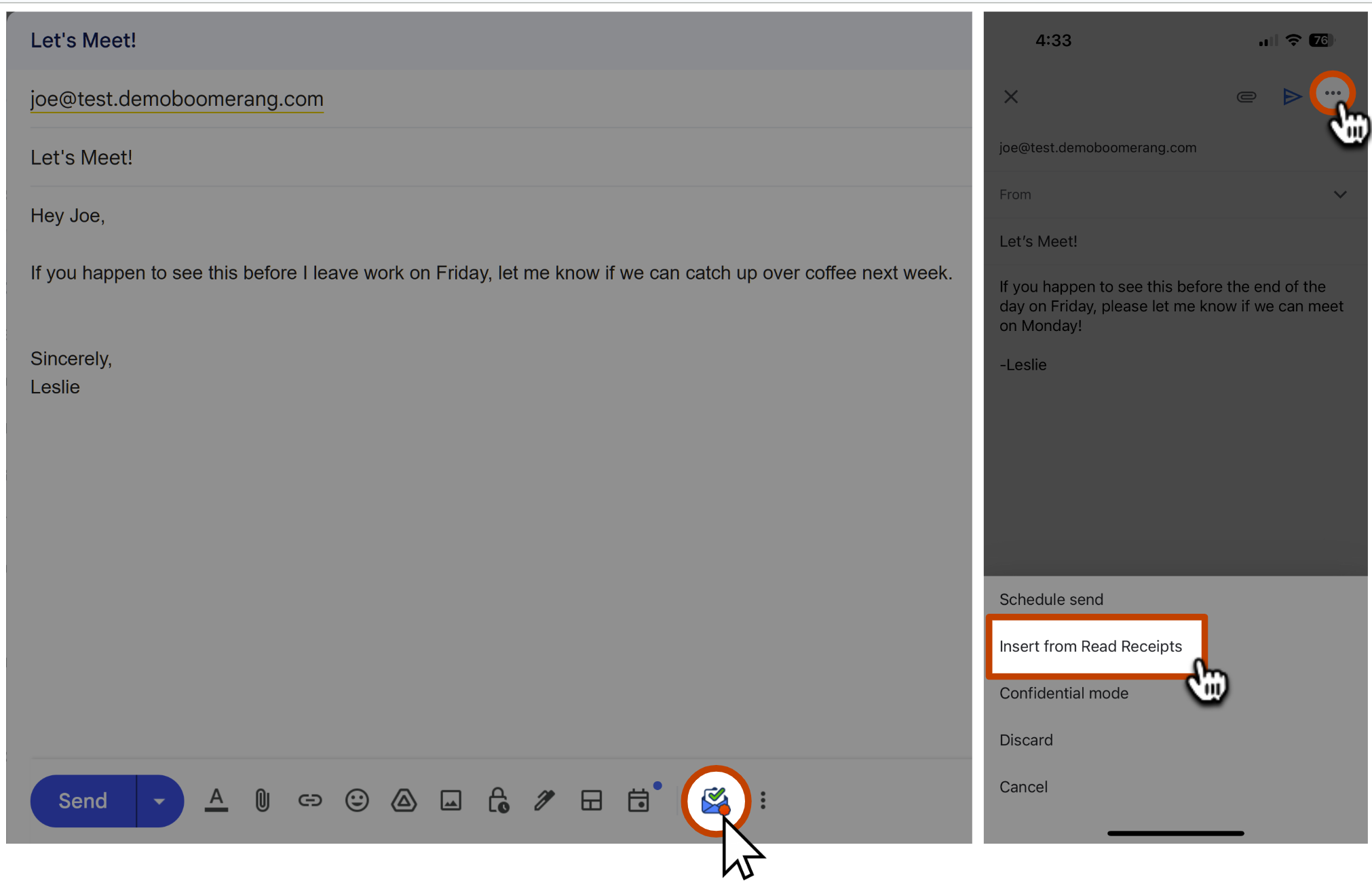
How to use and track Read Receipts with the Google Marketplace Add-In


How to view the results of Tracked Messages
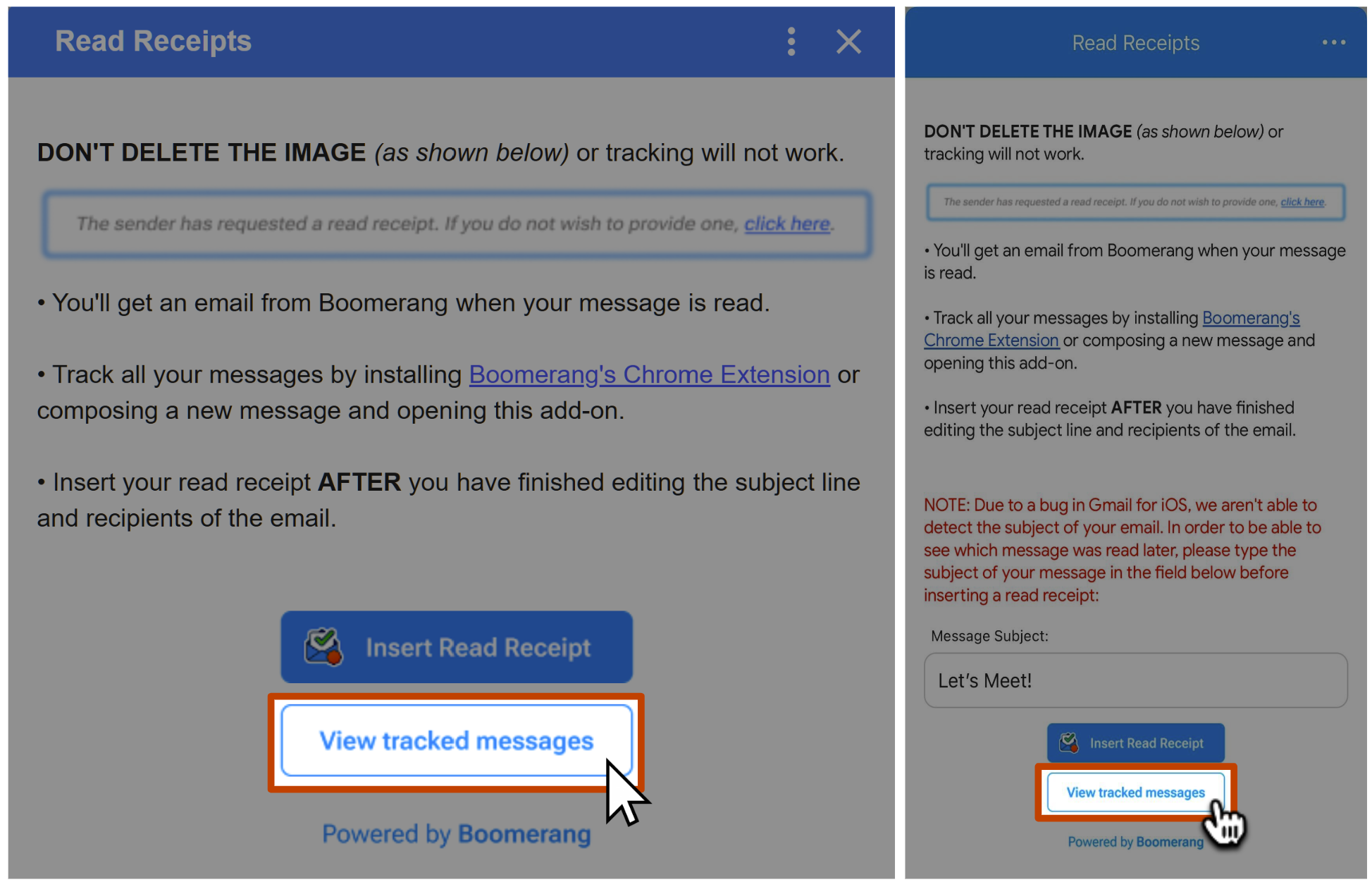
You can review additional results of tracked messages by repeating Step 1 and selecting View Tracked Messages:
Read Receipt FAQs
How do I get click tracking, track messages faster, etc.?
Gmail Add-Ons provide a limited set of functionality in exchange for being lightweight. For a more powerful read receipt feature with click tracking, please install our web browser extension and Boomerang mobile app to get started.
How reliable are Read Receipts?
What if I send an email to lots of people, can I tell who opened/read it?
I know the recipient opened my email. Why didn't I get a Read Receipt?
If you're sure your recipient opened your email, but you didn't receive a notification that it was opened, there are a few likely scenarios:
- There is a short delay between the time someone opens an email and when Boomerang sends the notification, to allow time for them to opt out if they choose.
- The recipient has chosen to opt out of giving a Read Receipt.
- The recipient's mail client has disabled the automatic loading of images, so Boomerang is unable to determine if the message was opened.
If I open this email in my Sent Mail, will it trigger a read receipt?
Yes, if you are using the Gmail Add-On version of Read Receipts, and you open an email yourself, it will count as the email being read. To prevent, this please install our web browser extension.
The number of opens seems too high. What could have caused this?
If the number is extremely high (e.g in the hundreds or thousands), it's most likely because the recipient's mailbox has software installed that scans emails, which can drive up the count. Boomerang is not able to distinguish between automated processes and human views.
What data is given to the sender if I opt-out of providing a Read Receipt?